I’ve been ignoring my Photos library for about two decades. I’m in Morocco, my kid is on a camel, I take fifteen shots because camels don’t hold still and neither do children. I tell myself I’ll pick the best one later. I never do. Multiply that by years of shooting RAW on a Nikon D5600—40 MB per photo—and you’ve got a problem.
My 6-year-old Intel MacBook is nearing the end of its useful life as a development daily driver. Every time I open up the case to go on some potentially-ill-fated repair operation I start looking at the prices to go from 2 TB of storage to 4 and cry in my beer a little. I’ve also been holding out for an OLED MacBook, so upgrading my SSD wasn’t an option I was willing to consider. The library had to shrink.
I tried a bunch of existing apps first. I’m a 45-year-old dad now—I’m happy to pay $20 to make a problem go away instead of the 20-year-old I once was who got high on NIH. But none of them passed the basic smell test. They’d either find exact duplicates only, or group everything in a time window regardless of content. Fifteen photos of the same camel? Nothing. Or everything from that time block lumped together.
I got annoyed enough to start slinging code. Here’s what I found.
The Problem
Naive duplicate detection compares hashes or pixels. That catches exact duplicates, which isn’t what I have. I have fifteen slightly different photos of the same camel. Different framing, different moment, but basically the same shit.
What you need is semantic similarity—something that understands the content of the image rather than the raw bytes. Apple’s Vision framework has an API for this that’s been around since macOS 10.15 but is weirdly underdocumented.
VNFeaturePrintObservation
VNGenerateImageFeaturePrintRequest runs an image through a neural network and produces a “feature print”—a high-dimensional vector representing the semantic content. Apple doesn’t publish the architecture, but the output is a VNFeaturePrintObservation with a dense feature vector. Similar images produce similar vectors.
let request = VNGenerateImageFeaturePrintRequest()
let handler = VNImageRequestHandler(cgImage: image, options: [:])
try handler.perform([request])
guard let featurePrint = request.results?.first else { return }
Comparing two feature prints gives you Euclidean distance:
var distance: Float = 0
try featurePrint1.computeDistance(&distance, to: featurePrint2)
Distance of 0 means identical. I use 0.35 as the default threshold for “similar enough.” That number came from labeling a few hundred pairs manually and seeing what clustered correctly. At 0.2, I was missing real duplicates. At 0.5, unrelated photos of the same general scene started grouping together. 0.35 was the sweet spot for my library—I deleted almost 12,000 photos with it.
I’m still going through with the threshold lowered. Looks like I’ll knock out another 1000 or so, but it’s slower going since there are a lot more false positives to wade through.
Where It Falls Down
It’s a black box. Apple doesn’t document what the model was trained on or what it’s optimizing for. It happens to work well for photos taken seconds apart, which is what I actually cared about.
600 Million Comparisons (or Not)
For 35,000 photos, comparing all pairs means ~600 million distance calculations. That’s not happening.
But duplicates are almost always taken within seconds of each other. You don’t accidentally retake the same shot six months later. So I group photos by time proximity first—a new group starts whenever there’s more than a 10-minute gap between consecutive photos. Then I only compute feature print comparisons within groups.
In practice, my library had about 5,300 time clusters. The median cluster has 2-3 photos. The largest clusters were from my best friend’s wedding (379 photos) and Christmas (265 photos). Those big clusters still need a lot of comparisons—the wedding alone is 71,000 pairs—but most clusters are tiny. Instead of 600 million comparisons, I end up doing a few hundred thousand.
Caching
Feature print generation is expensive—it’s neural network inference on each image. First scan of a big library takes a while. But I cache everything to SQLite:
- Feature prints (keyed by photo ID + modification date)
- Pairwise similarity results (so A↔B is never recomputed)
- Quality scores (more on that below)
Second scan only processes new or changed photos. For a library that isn’t changing much, rescans are fast—under a minute.
Picking the Best Photo
Finding duplicates is half the problem. You also need to decide which one to keep. I didn’t want to manually review 5000 groups, so I built a scoring system.
The weights I landed on:
- Sharpness (25%): Edge detection variance. Blurry photos lose.
- Face quality (30%): Vision’s face detection checks if key landmarks are visible (eyes, nose, mouth).
- Composition (15%): Rule-of-thirds detection. Crude but catches obvious bad framing.
- Resolution (20%): Higher resolution wins, all else equal.
- Recency (10%): Edited photos have later modification dates. If you edited one, you probably preferred it.
var overall: Double {
    return (sharpness * 0.25 +
            faceQuality * 0.30 +
            composition * 0.15 +
            technical * 0.20 +
            recency * 0.10)
}
The face quality weight is high because the “best” photo technically might have worse composition but everyone’s eyes are open.
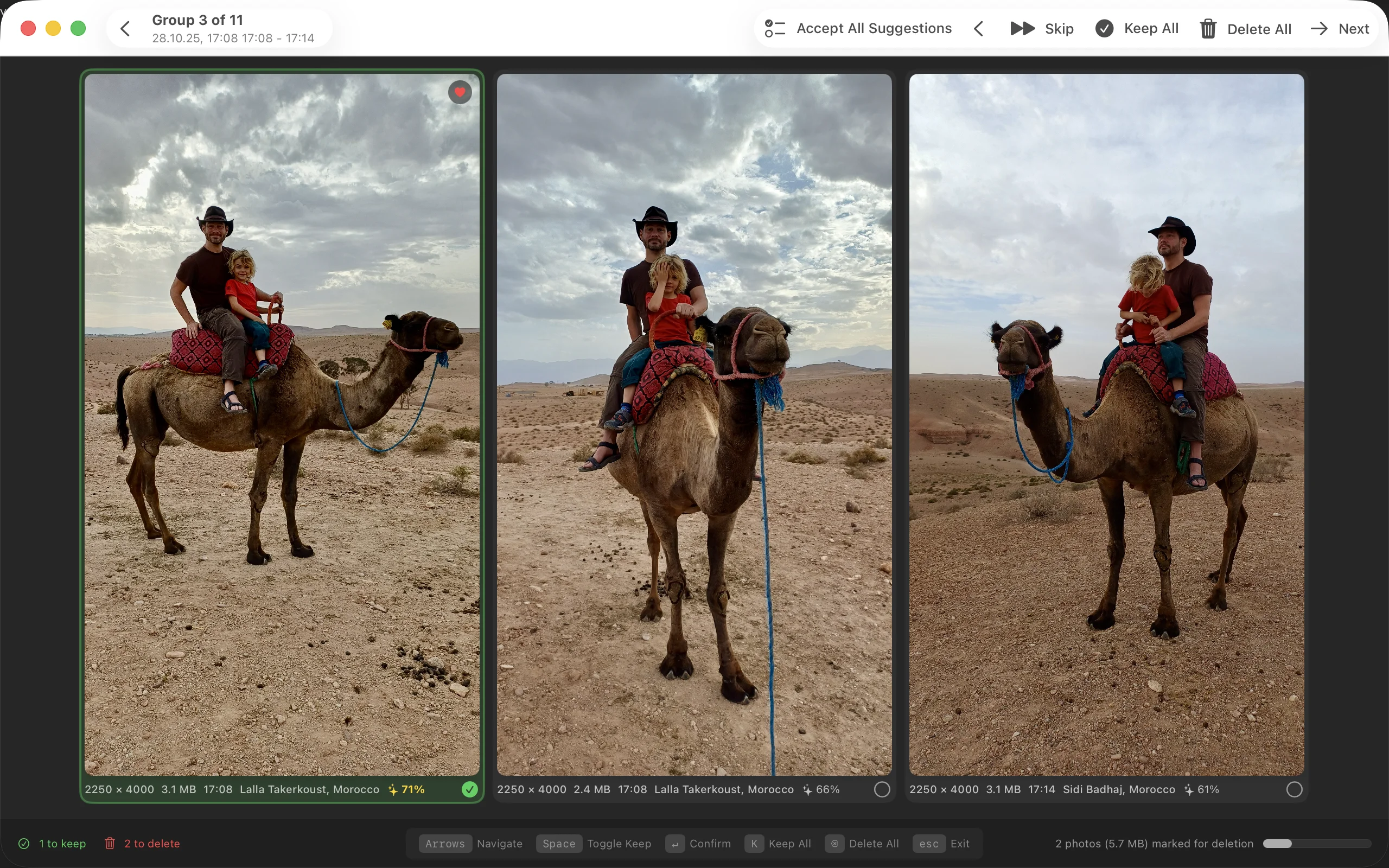
The scoring isn’t perfect. Sometimes it picks wrong. But it’s right often enough that reviewing becomes keyboard jockeying—confirm, next, confirm, next, hmm let me look at this one, confirm—rather than actually evaluating each group from scratch.
The Paranoid’s Guide to Deleting Photos
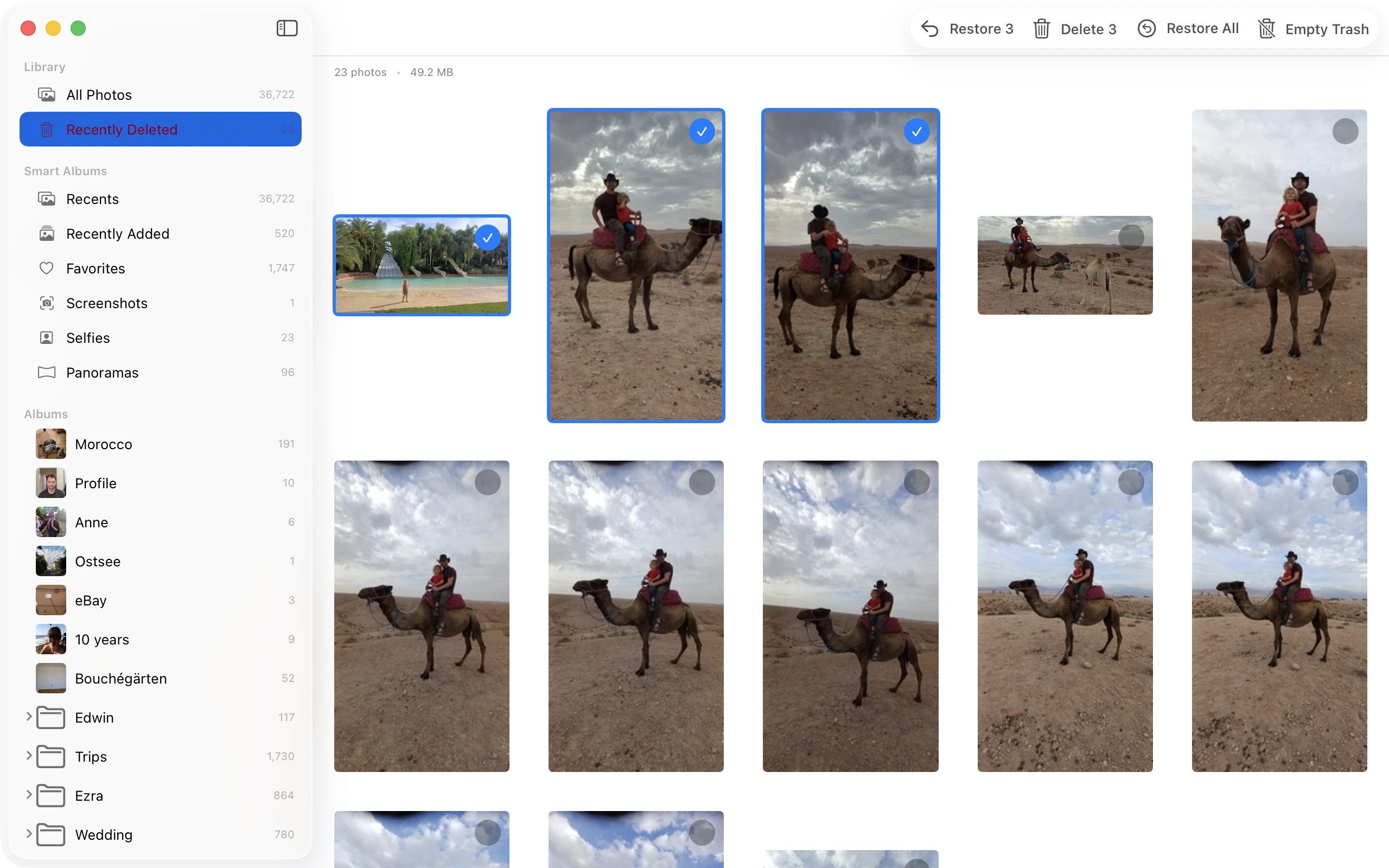
Wasn’t going to build a tool that made accidental deletion easier. Photos go to an internal trash first. You can review, restore, change your mind. Only when you explicitly empty the trash do they move to Photos.app’s Recently Deleted—where you still have 30 days to recover them.
What Surprised Me
Vision does more than you’d guess from reading Apple’s docs. The feature print API handles lighting variations, crops, and minor rotations better than I expected. Face detection is fast and accurate enough to be useful for quality scoring.
The frustrating part: when two images have a higher distance than you’d expect, there’s no way to debug it. You just tune the threshold and move on.
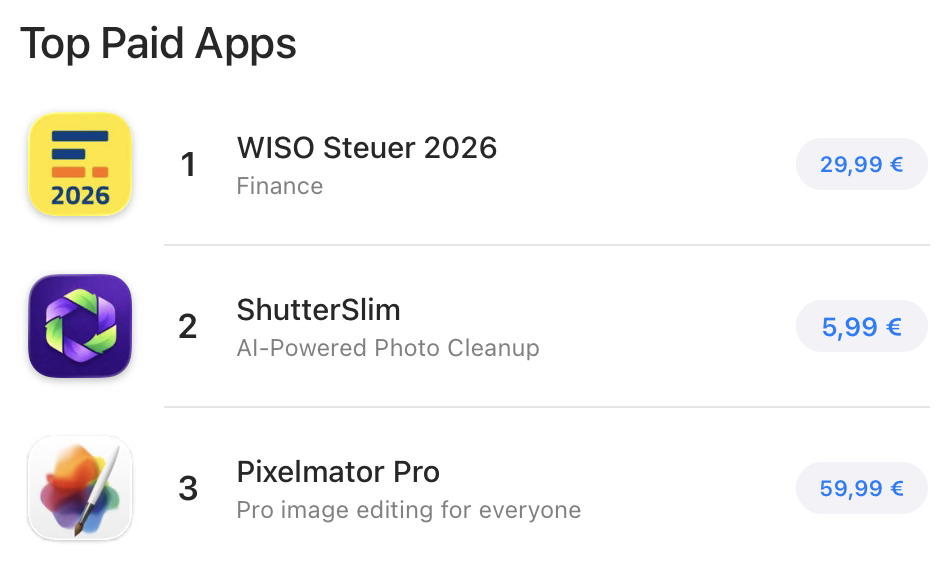
Once I got this thing going I was like, “Ok, damn. This is actually pretty nice.” I decided to polish it up and throw it in the App Store. I live in Germany, so I hit up a few German tech journalists first. I didn’t expect it to shoot up to the second highest ranked app in the German App Store, including beating out Apple’s Pixelmator Pro for several days after its relaunch.
I deleted about 12,000 photos taking up around 150 GB. If you’re curious, give it a whirl.